
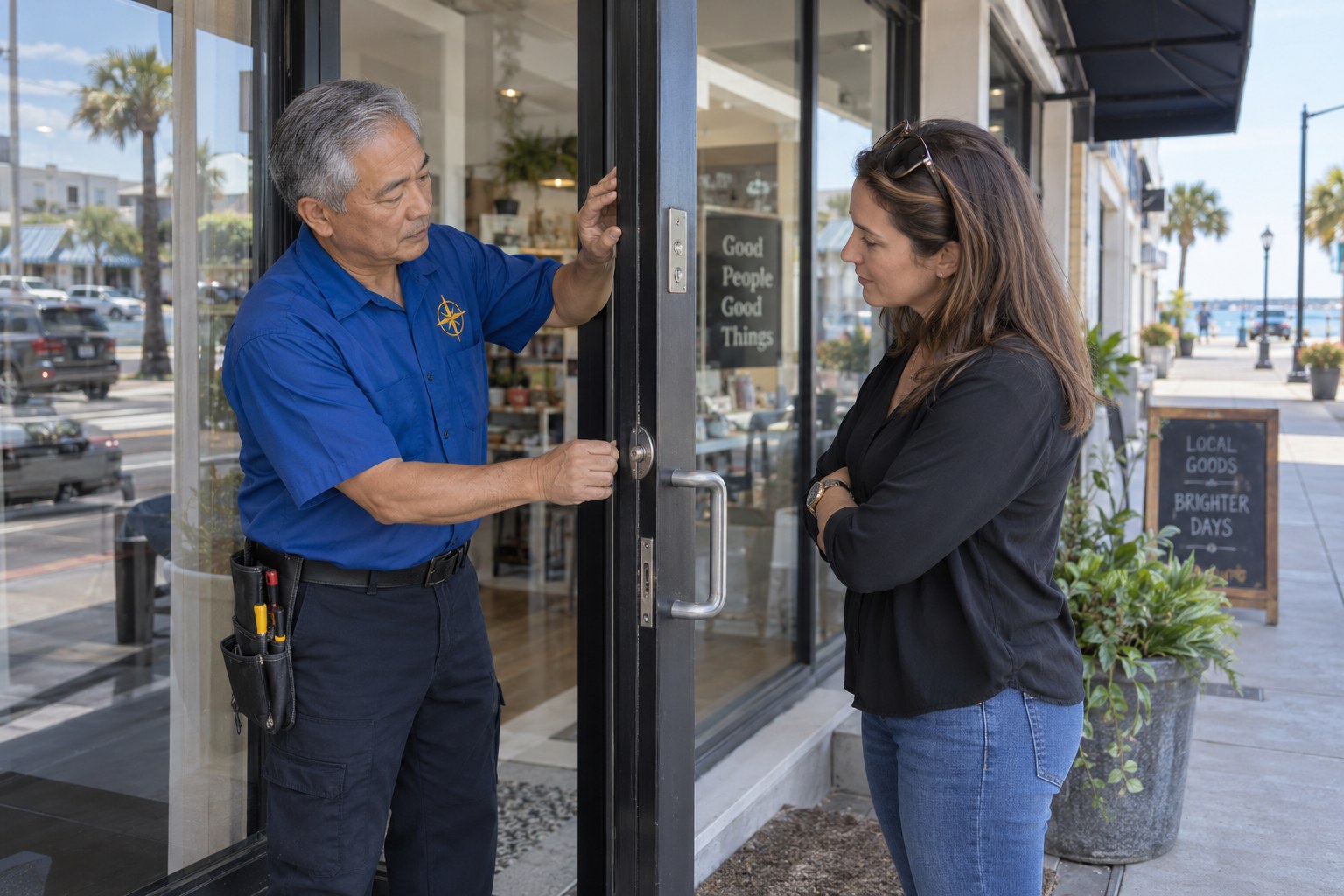
The chain from card to latch
A card access door is a chain of parts. The card holds a number. The reader reads it and sends it to a controller. The controller checks the number against its list and decides whether to unlock. A relay then sends power to the lock or strike, and the door opens. Any link can fail.
Thinking in terms of this chain turns a vague problem into a series of questions. Does the reader respond when the card is presented? Does the controller see the card? Does the lock receive power? Does the door move when power is applied? Each answer narrows the search.
Most faults sit at the edges: the card, the reader and the lock. The controller and wiring in the middle are less likely to fail, though they can. Start with the simple, visible parts before opening any panels.
Keep notes as you test. Write down what you tried and what happened. That information helps a technician if you need to call.
First checks: the credential
Try another card. If a second card works at the same reader, the first is the problem. Cards can crack, wear or be damaged by heat, bending or magnets. A card carried in a wallet next to other cards or a phone case may also suffer interference.
Check whether the card has been disabled. A person may have been removed from the system, or the schedule may not allow entry at this time. Ask the system administrator to look up the card in the user list.
Examine the card for visible damage. Cracks near the embedded chip, bent corners and heavy scratches are signs. Replace damaged cards. Keep spare cards on hand for emergencies.
For phone credentials, check the application, the battery and the permissions. Many failures come from an app that has been closed or a phone that has changed settings.
Reader behavior and signals
Most readers show a light and sound a tone. A green flash and a beep usually mean the card was read and accepted. A red flash means rejected. No response at all suggests the reader is not reading or has no power.
Compare signals with your system manual. Different brands use different patterns. A reader that beeps but the door does not open points to the lock side. A reader that stays dark points to power or wiring.
Hold the card steady near the reader and avoid metal surfaces behind the reader that can reduce range. Some readers mounted on metal frames need a spacer. Try presenting the card slowly at different angles.
Clean the reader face with a soft cloth. Dirt and salt film can interfere. Do not use harsh chemicals.
- Green flash and beep: card accepted
- Red flash: card rejected or not authorized
- No light or sound: check reader power
- Beep but no unlock: check the lock side
Power supply problems
Many faults are power faults. A power supply may fail, a fuse may blow, a breaker may trip or a battery backup may be exhausted. Locate the power supply, usually in a closet or above a ceiling, and look for status lights.
Voltage matters. Readers and locks need the correct voltage. Voltage drops over long wire runs, and a lock that works close to the supply may fail at the far door. A technician measures voltage at the device.
Backup batteries wear out. A system that works on mains power may fail in short outages if the battery is dead. Replace batteries on a schedule and record the date.
Do not open power supplies if you are not trained. Mains voltage is dangerous. Report what you see and call for help.
Lock and strike faults
If the reader accepts the card but the door does not open, the lock side is suspect. Listen for a click from the strike or magnet. A click with no movement suggests a binding latch or a misaligned keeper. No click suggests no power at the lock.
Try opening the door while the card is presented. Pull or push slightly to relieve pressure on the latch. If the door releases, alignment is the issue. Adjusting the door or the strike can fix it.
A magnetic lock that releases but then re-locks too quickly may need its timer adjusted. A lock that stays open may have a stuck relay or a wiring fault. These are safety concerns.
Check mechanical backups. A metal key may open the door while you troubleshoot. Keep it secure and record its use.
Controller and software issues
The controller holds the user list and rules. If it loses power or crashes, doors may default to a locked or unlocked state. Check indicator lights and compare with the manual.
Software settings matter. Time zone errors can cause schedule failures. A card may fail only during certain hours because the controller clock is off. Check the date and time.
Network issues affect cloud systems. If the internet is down, management may be unavailable, though doors often keep working with stored data. Ask how your system behaves offline.
Do not change settings you do not understand. A wrong change can lock out many people. Document your steps and call for support if needed.
Wiring and connection problems
Intermittent faults often come from wiring. Wires that cross a door hinge flex thousands of times and eventually break. Loose terminals, damaged insulation and corroded connectors cause strange behavior.
Coastal humidity makes corrosion common. Green or white crust on terminals is a warning. Cleaning connections can restore function temporarily, but damaged wiring needs replacement.
Pests and construction can damage cables. A new wall, a ceiling repair or a nest can break a line. If a fault began after building work, mention it.
A technician tests continuity and voltage to find the break. Do not tug on wires to test them. That can create new problems.
Environmental causes
Heat, cold and moisture affect electronics. Readers in direct sun can overheat and misbehave. Readers in damp locations can short. Outdoor readers should be rated for the environment.
Salt air attacks metal parts. Over time, contacts corrode and cases degrade. Rinse outdoor equipment gently with clean water if salt builds up, and dry. Inspect seals.
Lightning and power surges damage controllers and readers. After a storm, if several devices fail at once, a surge is likely. Surge protection helps prevent this.
Radio interference can affect some readers. New equipment nearby, such as large wireless devices, may cause trouble. Note recent changes.
Simple resets and what they do
Sometimes a power cycle helps. Turning a reader or controller off and on can clear a glitch. Follow the manual, and warn staff first. Do not reset if you are unsure what will be lost.
Some devices have a reset button that returns settings to default. This can erase users and rules. Use it only with documentation and a backup of settings.
Keep a backup of your configuration. Many systems can export users and settings. A recent backup turns a disaster into a quick restore.
If a reset does not help, stop and call. Repeated resets can mask the real fault.
Safety first when doors do not release
A door that will not release is a safety concern, especially if it serves as an exit. Make sure people can leave. Use mechanical releases and keep paths clear. Do not wedge doors open permanently without a plan.
If a fire alarm is involved, follow your emergency procedures. Maglock doors should release in an alarm. If they do not, treat it as an urgent issue and evacuate through other exits.
Post a notice on a faulty door so people know to use another route. Station a staff member if needed. Record the time and the cause.
Call us to confirm availability when a door that serves as an exit is affected. Describe the situation clearly.
Hurricane season and power events
Storms bring outages and surges. Test batteries and backups before the season. Know how each door behaves in an outage. Keep mechanical keys available.
After a storm, inspect readers and controllers for water and damage. Do not power up wet equipment. Let it dry and have it inspected.
If a power surge hit the building, expect some devices to fail. Make a list of doors that misbehave. A technician can test each part.
Restore systems in order, starting with the controller, then readers, then locks. Watch for odd behavior. Quotes are given by phone, and complicated jobs are explained before dispatch.
Preventive maintenance
A short monthly test catches problems early. Present a card at each reader, confirm the door opens, and watch it close and latch. Test backup release devices as well.
Twice a year, clean readers, check fasteners and inspect wiring where visible. Look for corrosion, cracked cases and loose parts. Replace backup batteries on schedule.
Review the user list. Remove people who have left and cards that are unused. A clean list reduces confusion and risk.
Keep a maintenance log with dates and notes. It supports troubleshooting and inspections.
A step by step order of checks
When a door fails, work through a fixed order so you do not skip steps. First, confirm the problem: try a second card and have another person try the door. If every card fails, the fault is in the equipment. If only one card fails, the card or its permissions are the issue.
Second, watch the reader. Note the light and the sound. No light suggests no power to the reader. A red light suggests the card was read but refused. A green light suggests acceptance, which moves the question to the lock. Write down what you see.
Third, look at the door. Does it close fully? Is anything blocking the latch? Does it open when you pull while presenting the card? A door that binds can seem like an electronic fault. Fourth, check the power supply lights and breaker, if you can reach them safely, and note anything unusual.
Finally, check the logs, if your system has them. Did the controller record the card? A logged grant with no unlock points to the lock side. No log entry points to the reader, wiring or controller. This information shortens the call to a technician.
Gulf Coast conditions and long term wear
Equipment installed along the coast lives a harder life. Salt in the air settles on readers, locks and wiring. Humidity condenses inside cases and corrodes contacts. Heat from summer sun bakes plastics. Over a few years these conditions shorten the life of devices that would last longer inland.
Pick equipment rated for the environment, with sealed housings and coated boards. Mount readers under cover where possible. Seal cable entries and use drip loops so water runs away from connections. Small details at installation prevent many later faults.
Inspect on a schedule. Look for rust on screws and brackets, discolored terminals, cracked seals and fogging inside readers. Clean gently and replace parts that show damage. Catching corrosion early costs far less than replacing a failed controller.
Plan for replacement cycles. Even good equipment wears out. Keep a record of installation dates so you can budget effort and time for upgrades before failures start to cluster.
Lost, stolen and duplicated cards
A lost card is a security event, not just an inconvenience. Anyone who finds it could use it, especially if it has the building name printed on it. Report a missing card immediately so the administrator can disable it. A prompt response limits the risk.
Cards can also be copied. Basic proximity cards are easy to clone with inexpensive devices, and an owner may never know. If you suspect cloning, review the log for unusual entries, change to more secure card technology and consider reissuing cards. A technician can advise on upgrades.
Avoid printing the company name or address on cards. A plain card tells a finder nothing about where it works. Use numbers or neutral labels instead. Store spare cards securely and track them in the user list.
When issuing a replacement, disable the old card first. Record the date and the reason. Ownership or authority is checked for programming work, and quotes are given by phone.
Door position sensors and alarm interactions
Many card controlled doors also have a door position switch, a small magnetic contact that tells the system whether the door is open or closed. If the switch is out of alignment or the wire is damaged, the system may think the door is held open and sound an alarm, or fail to relock properly.
A door held open alarm after a legitimate entry often points to a closer that is too weak or a latch that does not engage. Fix the door first. If the switch itself is faulty, a technician can realign or replace it. Do not bypass the contact, since it provides useful information.
Request-to-exit devices often share the same circuit area. A motion sensor that triggers too often can unlock doors at odd times. Adjust sensitivity and aim so it detects people approaching the door, not passing traffic or air movement from vents.
When alarms and access control are linked, a fault in one can appear as a problem in the other. Describe the symptoms fully when you call, including alarm messages, and we will help sort out which system needs attention.
Gathering evidence before the technician opens a panel
The best troubleshooting starts with careful observation, and anyone on staff can contribute. Note exactly which door is affected, what time the problem started, and whether other doors on the same system behave normally. Write down what the reader does when a card is presented: which light, which sound, or nothing at all. A single door failing points toward its own reader, wiring or lock. Several doors failing together points toward a shared power supply, a network issue or the controller itself.
Check the event log if your system provides a screen or software for it. A card that shows as denied tells a different story from a card that never appears at all. A denied entry usually means the controller heard the card and rejected it, which suggests a schedule or permission problem. No entry at all suggests the reader never sent anything, which suggests power, wiring or a damaged reader. Taking a screenshot of the log, or reading the lines aloud, gives the technician a head start before arrival.
Also record what changed recently. New software updates, a power outage, a roof leak, a renovation, a new tenant or an added door can all explain a sudden fault. Keep any manuals, wiring labels or installer notes where staff can find them. If the door must be secured while waiting, use a manual key or a staffed post rather than propping it open. Quotes are given by phone, and if the problem is complicated, a technician visits and the service call charge is explained before dispatch.
When to call a technician
Call when the simple checks do not solve the problem, when several doors fail together, when you smell burning or when a door serving as an exit does not work. Do not force hardware.
Have information ready: the door, the reader type, what you tried and what the lights and sounds do. If you know the brand of the system, share it.
We check ownership or authority before work on a business system. Have a lease or authorization ready. Quotes are given by phone.
If a job is complicated, a technician visits and the service call charge is explained before dispatch. Call us to confirm availability.
Quick answers
Why does my card work at some doors but not others?
The card may not have permission for that door or time, or the reader may have a fault. Try another card at the same reader and check the user permissions.
The reader beeps but the door does not open. What is wrong?
Usually the lock side: no power to the lock, a binding latch or a misaligned strike. Try pulling the door while presenting the card. A technician can test the lock and wiring.
Can a power outage lock people out?
It can, depending on the lock type and backup power. Know how each door behaves and keep a mechanical key. Test battery backups regularly.
Should I reset the controller myself?
Only if you have documentation and a backup. A reset may erase users. If unsure, call for help.
Do you verify authority before servicing a system?
Yes. Ownership or authority is checked. Quotes are given by phone. Call us to confirm availability.