
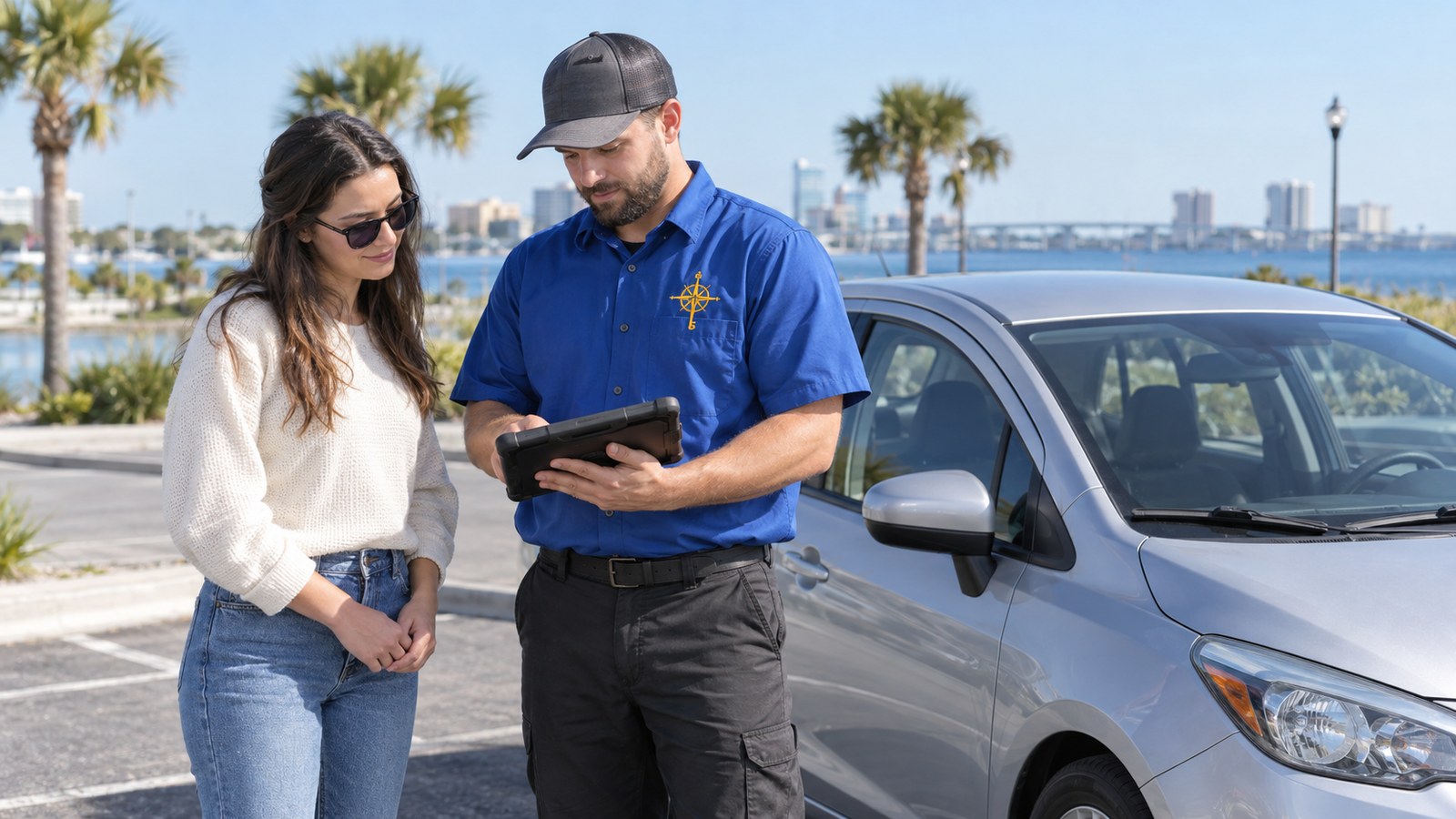
What people mean by a digital key
The phrase covers several different things, and it helps to separate them. Some vehicles have a manufacturer app that can lock, unlock or start the car remotely over a cellular connection. Others let the phone act as the key itself, using short range wireless technology so the car recognizes the phone when it is close. A third group lets the owner share a temporary pass with another person, such as a family member or a valet.
Each of these depends on a different chain of parts. A remote app depends on a phone connection, a cellular link to the car, and an account that has to be signed in and in good standing. A phone as key depends on the phone battery and the car recognizing the device over a short wireless link. A shared pass depends on the owner staying in control of who can use it.
Because the details vary so much between makers and models, this guide stays general. The important thing to understand is that a digital key is another layer on top of the physical key system, not a replacement for all of it. In nearly every case a physical backup still exists, and knowing where it is matters more than most owners expect.
Where digital keys genuinely help
The convenience is real. If your hands are full of groceries, luggage or a child, a car that unlocks as you approach saves a lot of fumbling. Remote start through an app lets you cool a hot car before you climb in, which is a real comfort during a Florida summer. Many owners also like being able to confirm that the doors are locked from across a parking lot without walking back.
Sharing is another strength. Parents can let a teenager use the car without handing over the only fob, and a business owner can give an employee temporary access to a vehicle for the afternoon. The pass can usually be removed later, which is easier than collecting a physical key that may have been copied or lost. For short stays, a revocable pass is neater than a loose spare.
Digital keys can also reduce wear. A phone in a pocket takes the place of a fob that might otherwise be dropped in the sand or the surf. Some owners leave the physical key at home or in a safe spot, which lowers the chance of losing it at the beach. Used thoughtfully, the technology is a genuine improvement over carrying a bulky remote.
Cost and time matter too. Walking back to a car to check a lock, or hunting through a bag for a fob, is a small daily friction that adds up. A digital key removes much of it, and many owners say they notice the difference most during busy errands, school pickups and trips to the beach, when every spare hand is already holding something else.
The weak points to plan around
A phone is a more complicated device than a key, and more things can go wrong. The battery can run flat at the worst time, especially after a long day of navigation, photos and music. A software update can change how the app behaves. A cracked screen, a lost phone or a water damaged handset can leave you standing beside a car you cannot open. Ordinary phones are also lost far more often than ordinary keys.
The service behind the app is another dependency. If the car is parked in a garage with poor reception, remote functions may not reach it. If the account is locked, the subscription has lapsed, or the manufacturer system is down for maintenance, the convenience disappears. These problems are rare, but they tend to appear when you are in a hurry, which is exactly when a plain mechanical backup would have solved everything.
There is also the question of what happens when you change phones. Moving to a new handset sometimes requires removing the old key and adding the new one again, and this can only be done while the car recognizes you as the owner. If you skip that step before trading in your old phone, you may spend an uncomfortable hour sorting out access. Plan the switch while you still have a working physical key beside you.
Always know where the physical backup is
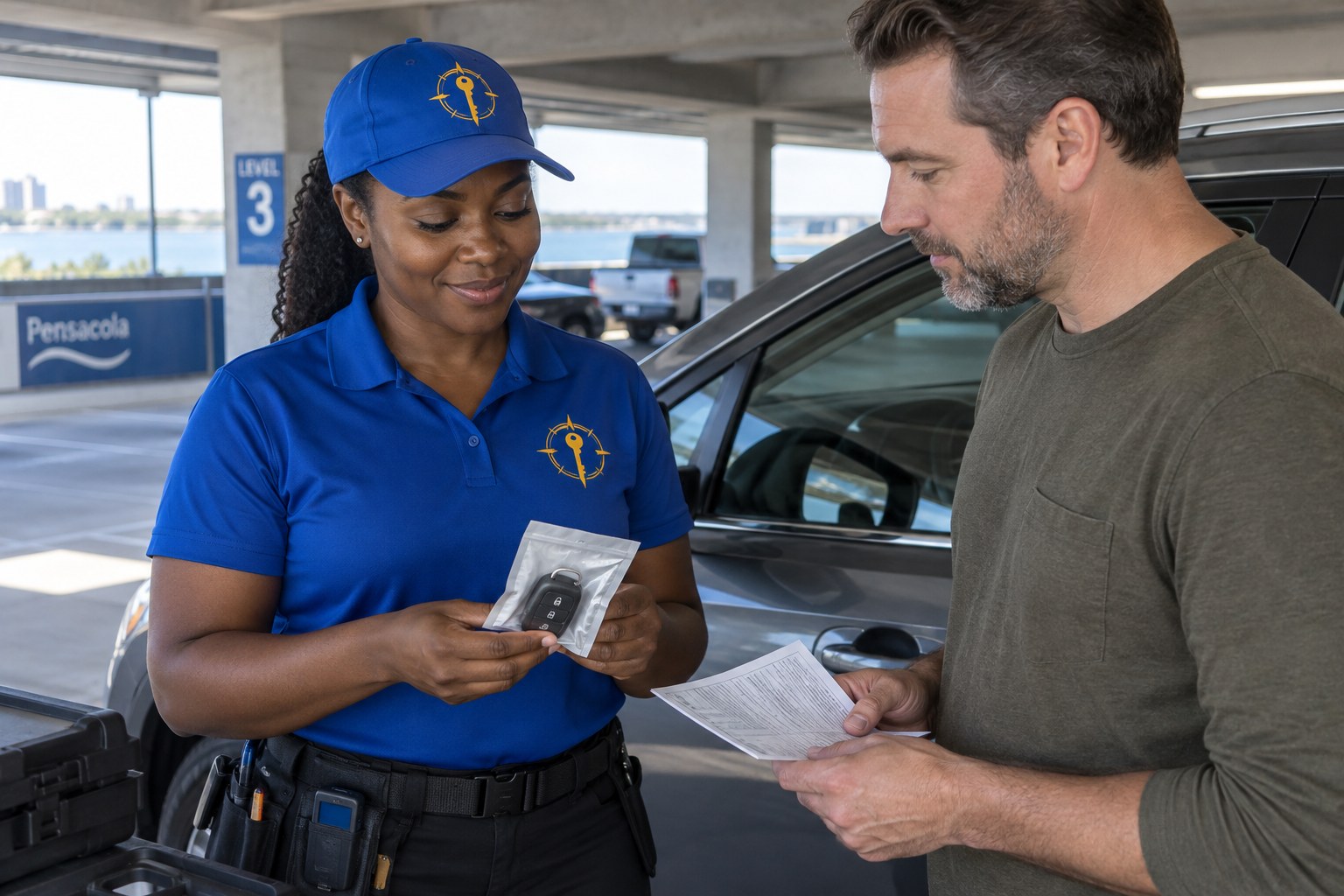
Almost every car that supports a digital key also ships with a physical card or fob, and often a hidden emergency blade. Treat that backup as part of the system. Find out where it is, whether it has a working battery, and whether you know how to use it. A card that has been in a drawer for two years may not respond when you finally need it.
Do not keep the only backup inside the car. It sounds obvious, but a surprising number of lockouts happen because the card or fob was left in a console or a cup holder while the phone dies. Keep it somewhere you can reach from outside the vehicle, such as at home, with a trusted relative, or in a secure place at work. Away from the car is the whole point of a backup.
Test the backup now and then. Walk to the car, use only the physical key, and confirm that it opens the door and starts the engine. If something does not work, you have found out on a calm afternoon instead of during an emergency. If the spare fails the test, call us to discuss it, and we will explain whether it needs a battery, a repair or reprogramming.
Think of the backup as insurance that you hope never to use. It should be easy to reach, simple to operate and independent of the phone. A plain mechanical blade does not need power, a signal or an account, which is exactly why it remains valuable. The more advanced the main system becomes, the more worthwhile it is to keep one dependable low tech way into the car.
Security and who has access
A digital key ties a car to an account, and an account can be shared, forgotten or compromised. Use a strong, unique password on the manufacturer account, turn on any extra sign in checks the app offers, and review the list of authorized devices from time to time. If you sold a phone or gave one to a child, make sure it no longer has a pass.
Remember that the people who can unlock the car with a phone are also the people who can drive it. Before you share a pass, think about how long the person needs access, and remove it when the need ends. Shared access is a good tool, but it works best when you treat it as temporary and keep a short, current list of who holds it.
If your phone is lost or stolen, act quickly. Sign in to the account from another device and remove the lost phone, or contact the manufacturer support line. Do not assume a locked screen is enough. If the vehicle is also your only transport, have the physical key and ownership documents ready, since any technician who helps you will need to confirm you are the owner or authorized before doing any work.
Batteries, signals and the Pensacola environment
Heat is hard on phone batteries. A phone left on a dashboard or in a parked car in the Florida sun can shut down to protect itself, and a hot phone may refuse to connect to the car until it cools. Keep the handset out of direct sunlight, and if it warms up during a beach day, give it time in the shade before relying on it as the only way into the vehicle.
Salt air and moisture also matter. A phone that has been splashed or dipped may behave strangely, and a damp phone in a pocket can cause false commands or fail to connect. A waterproof case is cheap protection if you spend time near the water, on a boat, or at a pool, and a case that lets you reach the phone without exposing the charging port is even better.
Signal coverage varies from place to place. Parking garages, dense buildings and some waterfront areas can limit the connection between the app and the car. Short range wireless keys do not need a cellular link, but they still need the phone to be awake and close. Know which of your car's functions work without a network, and do not depend on remote features when you are in a spot with weak reception.
It is also worth knowing how your car behaves during a jump start or after a battery replacement. Some systems forget paired devices or need a short relearn process, and during that time the phone may not work. Keep the physical key close whenever the car battery is being serviced, and ask the shop or technician whether any pairing steps should be repeated afterward.
What happens when the car battery is the problem
Digital keys do not solve a weak car battery. If the twelve volt battery is flat, the car may not wake up to recognize the phone, and the doors may refuse to respond to any wireless signal. In that case the physical emergency blade or the hidden cylinder becomes the only way in, and some vehicles also need a jump or a replacement battery before the electronics behave.
If you suspect the car battery, look for clues such as dim interior lights, slow clicking, or a dashboard that flickers when you open the door. Those signs mean the digital system may not be the real culprit. A technician can help with entry in some situations, but a battery that needs replacing is usually a different job, and we will say so plainly rather than guess over the phone.
For longer storage, such as a vehicle parked while the owner travels, be aware that leaving a car with active connected services can slowly drain the battery. Ask your dealer or consult the owner's manual about parking modes. If you leave the area for weeks, tell someone where the physical key is, so a family member can move the car or start it if needed.
Another case is a phone that works but a car that does not respond because the key was never fully registered. This happens after a rushed handover or an incomplete setup. If a digital key seems to work only sometimes, remove it and add it again while standing next to the car with the physical key in hand, and follow the manufacturer steps patiently without skipping any prompts.
Lockouts when the phone is the key
A lockout with a digital key feels different. You may have the phone in hand and still be unable to open the door, because the app will not connect or the phone has died. Check the simple things first: try restarting the phone, turning wireless features off and on, and moving close to the driver door. If there is a hidden physical cylinder, look for a small cap on the door handle.
If you are completely locked out, a technician can sometimes open the vehicle without damage, but the method depends on the car. Some modern doors and security systems make entry more delicate, and we will tell you honestly if a car is a poor candidate for a quick opening. We always check ownership or authority first, so have your registration and photo ID ready for the visit.
Call us to confirm availability and describe the situation. Quotes are given by phone. If the job looks complicated, a technician visits and the service call charge is explained before dispatch. Having the vehicle location, a general description, and the type of key system ready helps, and it saves time when the person on the phone is deciding what tools to bring.
Resale, selling and handing over a digital key
If you sell or trade in a vehicle, remove your accounts and devices from it before you hand it over. A car that still recognizes your phone is a risk to you and an annoyance to the next owner. Most manufacturers describe how to unpair devices and reset the connected services, and the dealer or the buyer will usually appreciate the effort.
Also hand over every physical key, card and fob that came with the car. Buyers sometimes assume a phone based system makes the physical items unnecessary, then discover the hard way that a backup was needed. A complete set of keys also supports the value of the vehicle, because the next owner knows nothing has gone missing.
If you buy a used car with digital features, ask the seller to remove their account, then set up your own with the vehicle registration in hand. Do not rely on a quick screenshot or a verbal promise. If anything seems unclear, call us before you finalize the purchase, and we can talk through what a technician would check, including how many working physical keys exist.
A sensible approach for everyday owners
Treat the phone as a convenience, not a lifeline. Keep one working physical key, store it away from the car, and test it twice a year. Keep your phone charged before long drives, and carry a small cable or power bank if you rely on navigation. These habits cost almost nothing and solve most of the problems described above.
Review who has access to the vehicle. Remove old phones and temporary passes, and write down the steps for your manufacturer app in a safe place. If you share a car with family, agree on what to do if the phone dies, and make sure at least one person knows where the physical key is kept. A short conversation now prevents a long delay later.
When something does go wrong, calm steps help. Check the phone, try the physical backup, and if the car still will not open or start, call us. We will ask a few questions about the vehicle, explain what is possible, and tell you plainly whether a visit makes sense. We check ownership or authority before opening or programming, and we do not promise things we cannot see.
Quick answers
Can a phone completely replace a physical car key?
In some vehicles the phone can unlock and start the car, but a physical backup almost always exists and is worth keeping. Phones run out of power, break or get lost, and the service behind an app can fail. Treat the phone as a convenience and store a working physical key away from the vehicle.
What should I do if my phone dies and I cannot open the car?
Use the physical backup, such as a card, a fob or the hidden emergency blade in the door handle. If none is available, call us and describe the situation. We check ownership or authority first, then explain what options exist for your vehicle and location.
Is sharing a digital car key safe?
It can be, if you treat it as temporary. Share only with people you trust, remove access when the need ends, and review the list of authorized devices occasionally. Anyone who can unlock the car with a phone can usually drive it, so share carefully.
Do I need to do anything before selling a car with a digital key?
Yes. Remove your accounts and phones from the vehicle and reset the connected services as the manufacturer describes. Hand over every physical key, card and fob. This protects you and avoids confusion for the next owner.
Can a locksmith help with a car that uses a phone as the key?
Often we can help with entry or with physical keys, depending on the vehicle. Some systems are more delicate than others, and we will tell you plainly what is possible. We check ownership or authority first. Call us to confirm availability and get a quote by phone.